
Online Apps
Play right here in your browser. Nothing to install. Every app works on a phone, tablet or computer.
-
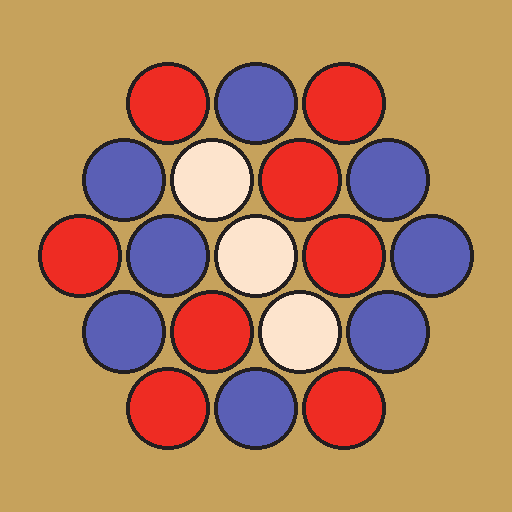
BAMBOO
Play against the computer at six levels, from random to unbeatable, or against a friend on one screen. Hexagonal boards from 4 to 8 cells per side, confirm step, undo, hints, and the rules with diagrams. Nothing to install, no account, no ads. Your settings and an unfinished game are kept in your browser.
-
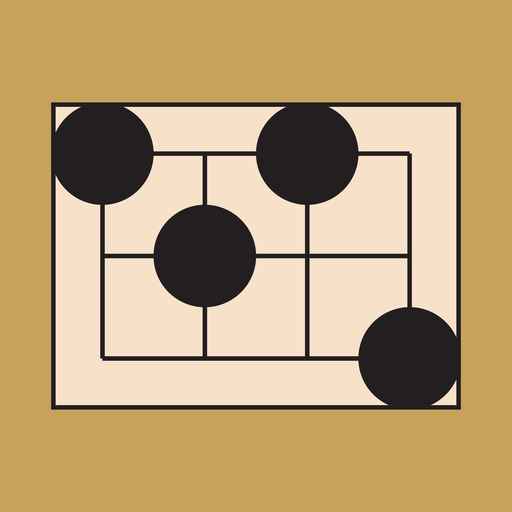
BLACK NARROWS
Play against the computer at six levels, from random to unbeatable, or against a friend on one screen. Boards from 5x4 to 10x9 points, confirm step, undo, hints, a copyable game record, and the rules with diagrams. Nothing to install, no account, no ads. Your settings and an unfinished game are kept in your browser.
-
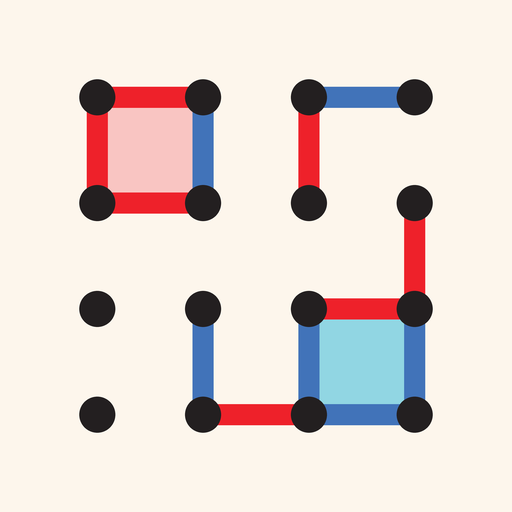
COLORFIELD
Play against the computer at six levels, from random to unbeatable, or against a friend on one screen. 2D boards from 6x6 to 12x12 dots, 3D boards of 4x4x2 and 6x6x2 dots, and the 4D board, pie rule, confirm step, undo, hints, a copyable game record, and the rules with diagrams. Nothing to install, no account, no ads. Your settings and an unfinished game are kept in your browser.
-
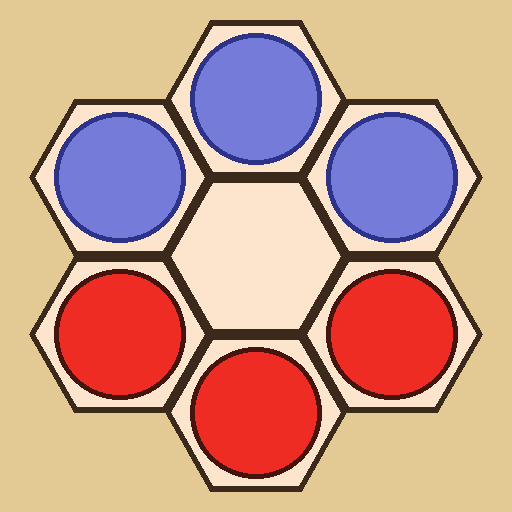
DODO
Play against the computer at six levels, from random to unbeatable, or against a friend on one screen. Confirm step, undo, hints, and the rules with diagrams. Nothing to install, no account, no ads. Your settings and an unfinished game are kept in your browser.
-
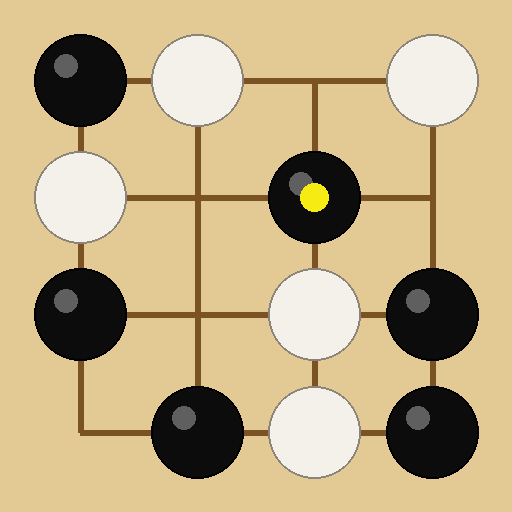
NARROWS
Rook captures on a Kōnane board, and the first player to link all of his groups through empty regions wins. Play against the computer at six levels, from random to unbeatable, against a friend on one screen, or watch two computer players. Boards 6x6 to 12x12, pie rule, captures marked on the board, confirm step, undo, hints, and the rules with diagrams. Nothing to install, no account, no ads. Your settings and an unfinished game are kept in your browser. Narrows is also an app for Android.
-
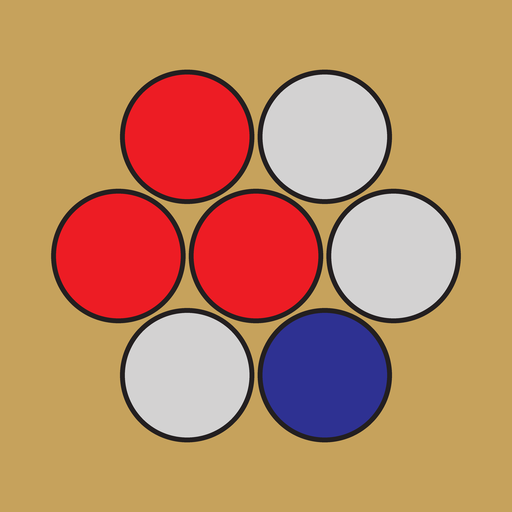
OUST
Play against the computer at six levels, from random to unbeatable, or against a friend on one screen. Hexagonal boards of 6, 7 or 8 cells per side, confirm step, undo, hints, a copyable game record, and the rules with diagrams. Nothing to install, no account, no ads. Your settings and an unfinished game are kept in your browser.
-
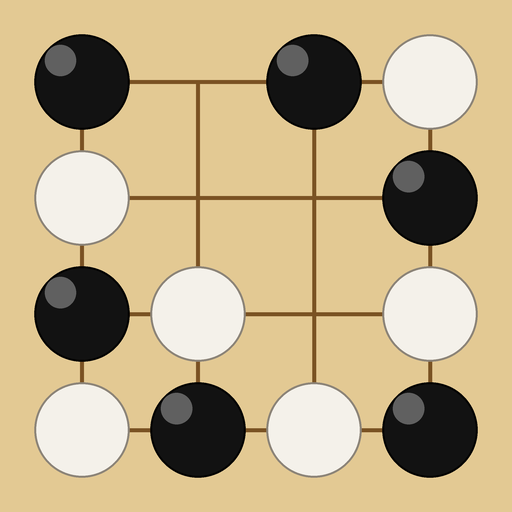
ROOM AND PILLAR
Play against the computer at six levels, from random to unbeatable, or against a friend on one screen. Board sizes 4x5 to 8x9, pie rule, confirm step, undo, hints, and the rules with diagrams. Nothing to install, no account, no ads. Your settings and an unfinished game are kept in your browser. Room and Pillar is also an app for Android and, on the App Store, for iPhone and iPad.
-
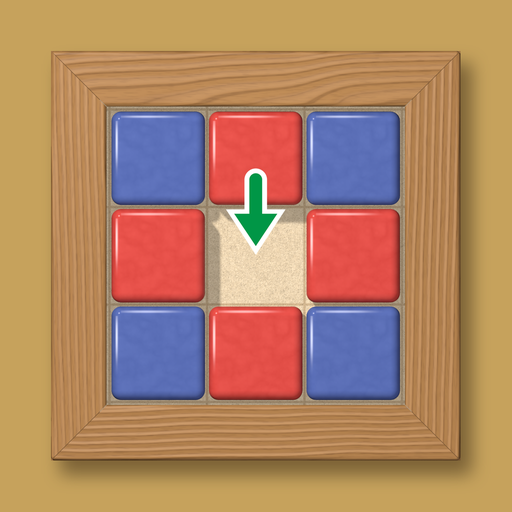
UNITILE
Play against the computer at six levels, from random to unbeatable, or against a friend on one screen. Legal moves marked on the board, confirm step, undo, hints, a copyable game record, and the rules with diagrams. Nothing to install, no account, no ads. Your settings and an unfinished game are kept in your browser.
-
YONKOMA
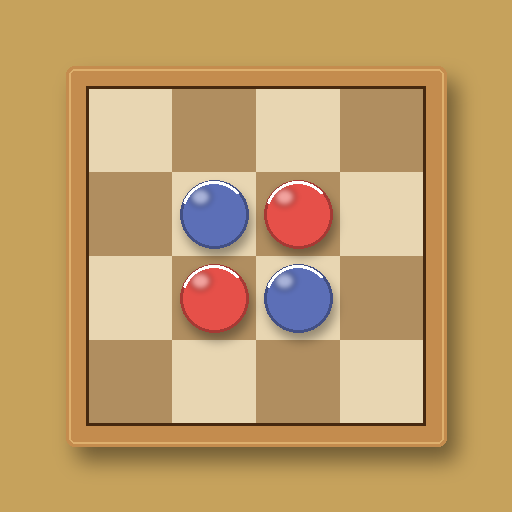
Two checkers each, and whoever completes a crosscut loses. Play against the computer at six levels, from random to unbeatable, against a friend on one screen, or watch two computer players. Boards 10x10 and 12x12, legal moves marked on the board, confirm step, undo, hints, a copyable game record, and the rules with diagrams. Nothing to install, no account, no ads. Your settings and an unfinished game are kept in your browser. Yonkoma is also an app for Android.
On a phone
Open the link, then add the page to your home screen and it behaves like an app, full screen, with its own icon. On an iPhone, tap the Share button and choose Add to Home Screen. On an Android phone, tap the browser's menu and choose Add to Home screen. Android users can also download the app from the App Downloads page.